
Introduction
Creating a video from scratch can take hours of scripting, recording, editing, and designing. Text to video AI makes the process easier by allowing users to turn written ideas and prompts into visual content.
Instead of starting with a camera or complicated editing software, you can describe what you want to see and let an AI video tool generate an initial result. You can then refine the scenes, timing, narration, and other elements.
In this guide, you will learn how text-to-video technology works, what you can create with it, its benefits and limitations, and how to write better prompts for more useful results.
What Is Text to Video AI?
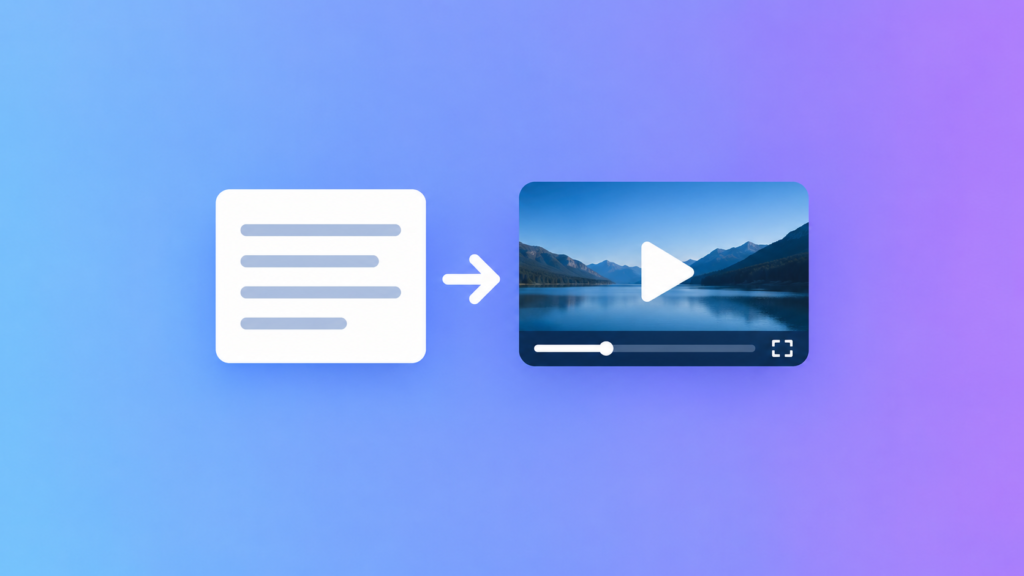
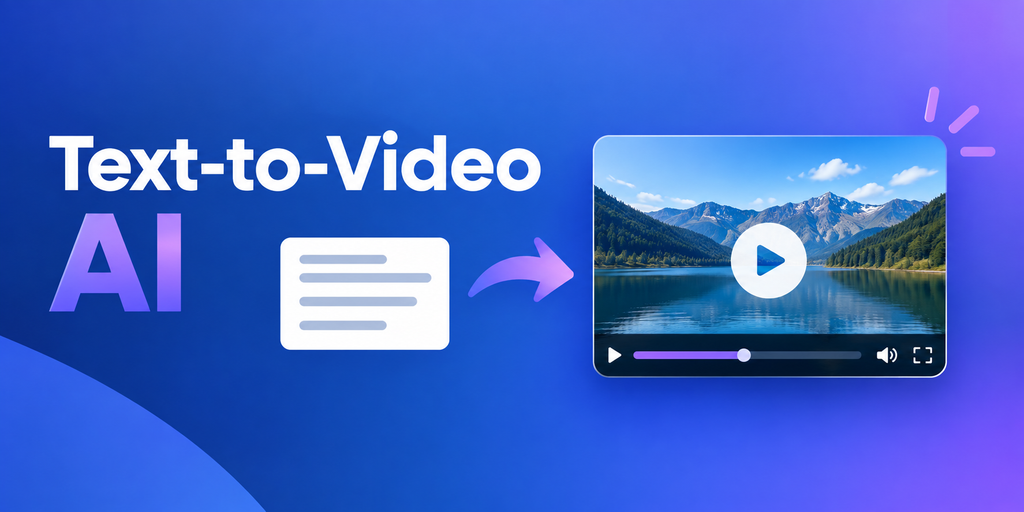
Text to video AI is technology that uses artificial intelligence to transform written instructions into video content.
A user might provide a short description of a scene, a complete script, or a series of instructions. Depending on the tool, the system can generate visuals, movement, narration, captions, music, or other video elements.
For example, you could describe a professional office scene featuring an employee using a laptop. A text-to-video generator can interpret the description and attempt to create a corresponding visual sequence.
How Does Text to Video AI Work?
Although different platforms use different models and techniques, the basic workflow is similar.
- The user enters a prompt or script.
- The AI analyzes the written instructions.
- The system identifies subjects, actions, environments, and visual relationships.
- The model generates video frames and motion.
- The result is processed into a playable video.
- The user reviews and refines the output.
Modern AI video systems can combine language understanding with visual generation to create scenes that correspond to written descriptions.
How to Use Text to Video AI
Getting started is usually simple, but the quality of your input can strongly influence the result.
1. Define Your Video Goal
First, decide why you are creating the video.
Your goal could be:
- Promoting a product
- Explaining a service
- Creating social media content
- Teaching a concept
- Creating a short advertisement
- Visualizing an idea
- Turning an article into video content
- Creating presentation material
A clear objective makes it easier to write an effective prompt.
2. Write a Specific Prompt
A short prompt can work, but detailed instructions often provide better creative direction.
Instead of:
“Create a business video.”
Try describing the subject, location, action, camera perspective, lighting, and overall style.
For example, you might describe a professional working on a laptop in a bright office while reviewing a software dashboard. You can also specify whether you want a realistic, cinematic, educational, or minimalist appearance.
3. Choose the Video Format
Think about where the finished video will appear.
Common options include:
- Landscape: Websites, presentations, and traditional video platforms
- Portrait: Short-form mobile content
- Square: Certain social media layouts
Choosing the correct format early can reduce the amount of cropping and editing required later.
4. Generate and Review
After entering your prompt, generate the first version and inspect it carefully.
Look for visual inconsistencies, incorrect objects, unnatural movement, unsuitable pacing, or problems with text and narration.
If something does not look right, improve the prompt and generate another version.
What Can You Create With Text to Video AI?
Text-to-video tools can support a wide range of creative projects.
Marketing Videos
Businesses can use AI video creation for promotional content, advertisements, product explainers, and campaign concepts.
A marketer can begin with a written idea and quickly develop a visual version that can later be edited and branded.
Social Media Content
Social platforms require fresh and visually engaging content.
A text-to-video generator can help creators turn short ideas into clips for social media. The same concept can also be adapted into different formats for different platforms.
Educational Videos
Teachers and course creators can use AI-generated video to make lessons more visual.
A written explanation can be combined with generated scenes, diagrams, narration, or animations to create a more engaging learning experience.
Product Demonstrations
Software companies can use generated scenes to explain features or demonstrate concepts.
For products that are difficult to film, AI-generated visuals can provide an alternative way to communicate an idea.
Storytelling and Creative Projects
Writers and creators can use text-to-video tools to visualize scenes from stories, concepts, and creative scripts.
This can be particularly useful during the planning stage because creators can experiment with visual ideas before investing in traditional production.
What Are the Benefits of Text to Video AI?
Text-to-video technology offers several practical advantages.
Faster Video Creation
Traditional video production can require many separate steps.
AI can automate parts of the process, allowing users to move from a written concept to a visual draft more quickly.
Accessible for Beginners
You do not necessarily need advanced video-editing skills to experiment with AI-generated video.
A simple prompt can be enough to start exploring an idea.
Easy Content Repurposing
Existing written content can become the foundation for new video projects.
For example, a blog post could be adapted into:
- An explainer video
- A short social clip
- A product overview
- An educational presentation
- A promotional video
This gives content teams more ways to reuse their existing work.
More Creative Experimentation
AI makes it easier to test visual concepts.
You can change the setting, subject, camera angle, or style without organizing a complete filming session.
Reduced Production Complexity
Several creative tasks can be combined within one AI-powered workflow.
Depending on the platform, users may have access to generation, editing, voiceover, captions, templates, and other features in the same environment.
What Are the Limitations?
Text-to-video AI is powerful, but it is not a replacement for human creative judgment.
Inconsistent Results
Generated characters, objects, or backgrounds may not remain perfectly consistent across multiple scenes.
This can become noticeable in longer videos.
Complex Actions Can Be Difficult
Some physical movements and interactions are harder for AI systems to represent accurately.
Detailed instructions do not always guarantee a perfect result.
Text Rendering Can Be Unreliable
If a scene requires signs, labels, screens, or other precise written content, the generated text may require correction or replacement during editing.
Human Editing Still Matters
AI-generated video should be reviewed before publication.
Creators should check the visuals, narration, captions, facts, branding, and overall message.
How to Write Better Text to Video Prompts
Good prompts provide useful direction without becoming unnecessarily complicated.
Describe the Main Subject
Start by explaining what should appear in the scene.
For example, specify whether you want:
- A person
- A product
- A vehicle
- A building
- A landscape
- A computer
- An abstract visual
Explain What Happens
Describe the action rather than only identifying the subject.
Instead of saying that a person is in an office, explain what the person is doing.
Add the Environment
The location can significantly influence the appearance of a scene.
You can mention a modern office, classroom, studio, outdoor environment, home workspace, or retail store.
Specify Camera Direction
If your AI video tool supports camera instructions, you can request:
- Close-up
- Wide shot
- Medium shot
- Slow camera movement
- Tracking shot
- Over-the-shoulder view
- Static camera
Define the Visual Style
Describe the appearance you want.
Useful terms can include:
- Realistic
- Professional
- Cinematic
- Minimal
- Documentary-style
- Corporate
- Educational
- Natural
Avoid adding unnecessary instructions that could make the scene harder to control.
Text to Video AI for Businesses
Businesses can use text-to-video technology across marketing, training, sales, and communications.
A marketing team might create an initial advertisement from a written concept. A sales department could develop an introductory product video, while a training team could turn written instructions into visual learning material.
However, businesses should review commercial licensing terms before using generated content. Brand elements should also be checked carefully to ensure that the final video follows company guidelines.
Text to Video AI for Content Creators
Content creators often need to develop new ideas quickly.
AI video tools can help creators turn scripts, concepts, and written stories into visual drafts. This can reduce some of the manual work involved in creating background scenes and visual sequences.
The creator still controls the story, message, editing decisions, and final presentation.
Text to Video AI for Education
Education is another useful application.
A teacher can start with a written lesson and create visual material that supports the topic. This could include animated explanations, simulated environments, or supporting scenes.
Generated educational content should always be reviewed for accuracy. AI can produce incorrect information, so educators should verify important claims before sharing the video with students.
Text to Video vs Image to Video
Text-to-video and image-to-video are related technologies, but they begin with different inputs.
Text to video starts with written instructions. The system creates visual content based on the description.
Image to video begins with an existing image and adds motion or transforms the image into a video sequence.
Text-to-video is useful when you are starting with an idea. Image-to-video can be more suitable when you already have a specific visual that you want to animate.
Some AI video platforms support both workflows.
Can Text to Video AI Create Realistic Videos?
Yes, text-to-video systems can produce realistic-looking video scenes.
However, realism depends on several factors, including the AI model, prompt quality, scene complexity, motion, lighting, and consistency requirements.
For professional projects, it is important to review each generated scene instead of assuming that the output will be ready to publish immediately.
How to Make AI-Generated Videos Look Better
A strong workflow can significantly improve your results.
Keep Scenes Manageable
Instead of requesting an extremely complicated sequence, divide the project into smaller scenes.
This gives you more control over individual shots.
Use Consistent Descriptions
If the same character or object appears repeatedly, use consistent descriptions.
This can help reduce visual changes between scenes, although it cannot guarantee perfect consistency.
Edit the Final Video
AI generation is only one part of the process.
Use editing tools to adjust:
- Timing
- Captions
- Voiceover
- Music
- Transitions
- Branding
- Scene order
Review Before Publishing
Watch the entire video from beginning to end.
Check whether the visuals match the script and whether the final message is clear to your intended audience.
Common Mistakes to Avoid
New users can improve their results by avoiding several common problems.
Writing Vague Prompts
A prompt with almost no visual information gives the AI little direction.
Adding Too Many Actions
Trying to describe several complicated actions in one scene can make the output unpredictable.
Ignoring Aspect Ratio
A video designed for a mobile feed may not look good when automatically converted to a landscape format.
Publishing Without Review
Always inspect AI-generated content before publication, especially when it represents a business, educational subject, product, or factual claim.
What Should You Look for in a Text-to-Video Tool?
Before choosing an AI video generator, consider your specific needs.
Useful features may include:
- Text-to-video generation
- Image-to-video generation
- Video editing
- AI voiceover
- Caption generation
- Templates
- Scene controls
- Multiple aspect ratios
- Export options
- Brand customization
- Commercial-use permissions
You should also examine pricing, usage limits, output quality, privacy policies, and licensing terms before selecting a platform for regular use.
Is Text to Video AI Good for Marketing?
It can be a useful part of a marketing workflow.
Businesses can create promotional concepts, educational clips, product explainers, and social media content from written ideas.
However, effective marketing still depends on a strong message and understanding the target audience. AI can help produce the video, but it does not replace good strategy.
The Future of Text-to-Video Technology
Text-to-video technology is continuing to develop.
Future improvements may focus on better motion, more consistent characters, improved scene control, stronger audio integration, and more precise editing capabilities.
As these systems improve, the role of creators may shift toward directing, reviewing, and refining AI-generated material.
The most effective workflows will likely combine automated generation with human creativity and quality control.
Frequently Asked Questions
What is text to video AI?
Text to video AI is technology that uses artificial intelligence to transform written prompts or scripts into video content.
Can I create a video from text with AI?
Yes. Many AI video tools can turn written descriptions into video scenes. The available features and output quality vary between platforms.
Is text to video AI free?
Some platforms provide free trials or limited free usage, while others require subscriptions or credits. Pricing and usage limits depend on the individual service.
Can text to video AI create realistic videos?
Yes. AI can generate realistic-looking scenes, although complex movement, character consistency, and precise details may still require additional editing.
Is text to video AI useful for businesses?
Yes. Businesses can use it for marketing videos, product explainers, training content, social media clips, and creative prototypes.
Final Thoughts
Text to video AI is changing how people approach video production by allowing written ideas to become visual content with fewer traditional production steps.
It can help businesses, educators, marketers, and creators experiment with video without starting every project with a camera and a complex editing workflow.
The best results come from using AI as a creative assistant. Write clear prompts, create manageable scenes, review every result, and refine the final video before publishing.
Ready to turn your next idea into a video? Start with a clear prompt and use text to video AI to create your first visual draft today.
Pingback: AI Agent for Customer Support: 7 Key Benefits - AIMazine – AI Tools, News, Tutorials & Prompt Engineering